td999 Withdrawal Guide: Won big? Withdraw your money right now
This guide walks you through everything — how to withdraw from td999 to bKash, Nagad, Rocket, or Upay, how to complete KYC for your first withdrawal, and what to do if your money doesn't arrive. Each step is explained clearly so even new players can follow along without any hassle.
- SSL Encrypted
- 24/7 Support
- bKash
- Nagad
- 18+
Withdrawal Steps: Sending Money to Your Mobile Wallet
Log in and go to the Cashier to start your withdrawal. If it's your first time, complete KYC first — details are below.
- Log In
Go to the td999 login page and sign in with your registered email and password. - Cashier › Withdraw
Click the "Withdraw" tab from the top menu or your account panel. - Select Method & Amount
Choose bKash, Nagad, Rocket, or Upay. Minimum ৳700, maximum ৳40,000 per day (Bronze). - Confirm Your Mobile Number
Enter your registered wallet number. An incorrect number may cause the transaction to be cancelled. - Submit Your Request
Once submitted, funds usually reach your wallet within 22 minutes.
Before your first withdrawal: How to complete KYC
Identity verification (KYC) is required before your first withdrawal. Once done, you won't need to do it again for future withdrawals. Verification normally takes up to 2 hours.
Accepted ID Documents
- National ID Card (NID) — fastest verification
- Passport — scanned copy of the biodata page
- Driving Licence — photos of both sides required
Photo Guidelines & Upload Steps
- Open "Document Verification" from your Account Settings.
- Take clear photos of the front and back of your ID — no folds, shadows, or blur.
- Upload in JPEG or PNG format (maximum file size 5 MB).
- Once you see the upload confirmation message, no need to contact support — verification starts automatically.
- You'll receive a confirmation email within 2 hours. If it's urgent, reach out via 24/7 live chat.
All uploaded documents are protected with SSL encryption. td999 does not share this information with any third party.
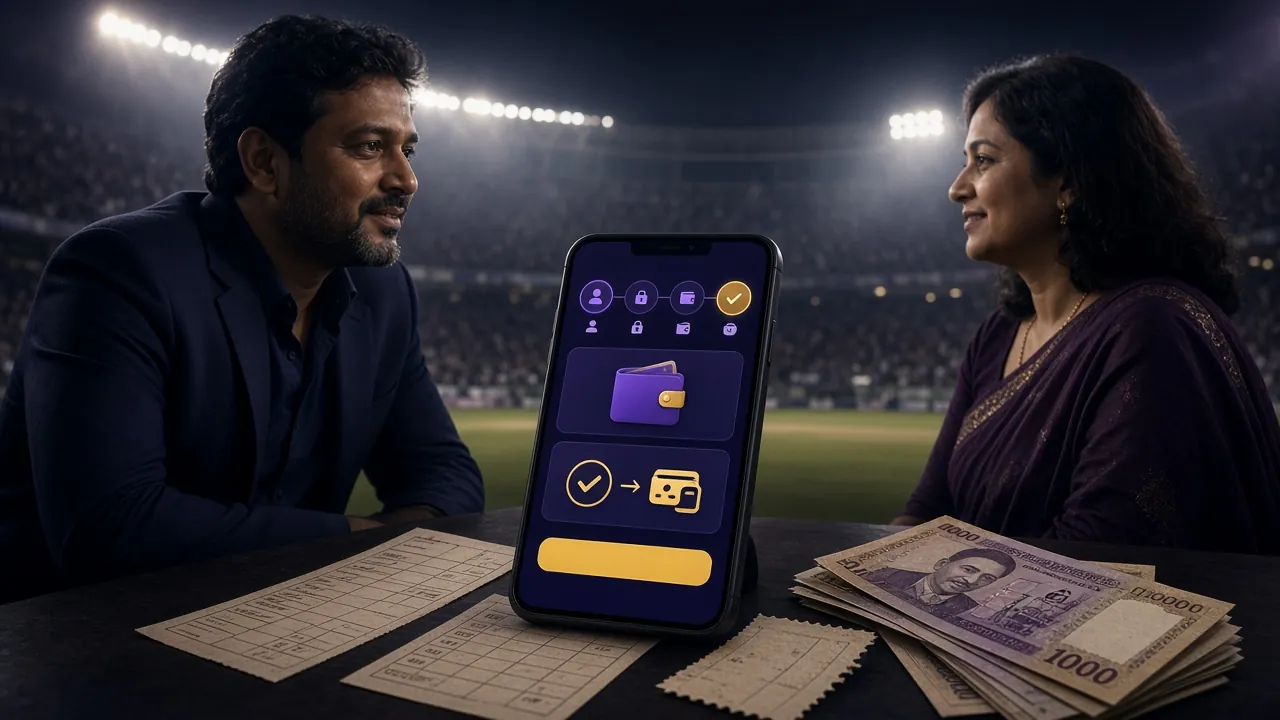
td999 Withdrawal Limits: Everything at a Glance
The table below shows the daily withdrawal limits for every tier, from the default level up to VIP Platinum.
| Details | Amount | Notes |
|---|---|---|
| Minimum Deposit | ৳500 | Applies to all methods |
| Minimum Withdrawal | ৳700 | Per single request |
| Max Daily Withdrawal Bronze | ৳40,000 | Default tier |
| Max Daily Withdrawal Silver | ৳70,000 | Monthly turnover ৳45,000+ |
| Max Daily Withdrawal Gold | ৳1,20,000 | Monthly turnover ৳2,20,000+ |
| Max Daily Withdrawal Platinum | ৳2,10,000 | Monthly turnover ৳10,00,000+ |
| First Withdrawal Processing Time | Up to 1 hour | After KYC approval |
| Standard Withdrawal Time | ~22 minutes | To mobile wallet |
Your withdrawal limit increases as your VIP tier goes up. Visit the td999 Bonus & VIP page for full details on all tiers.
Which Mobile Wallet to Use and When
All four methods support withdrawals — but picking the right one for your situation makes the whole process smoother.
- bKash Minimum ৳700 Deposit ~2 min Withdrawal ~22 min
- Nagad Minimum ৳700 Deposit ~2 min Withdrawal ~22 min
- Rocket Minimum ৳700 Deposit ~2 mins Withdrawal ~22 mins
- Upay Minimum ৳700 Deposit ~2 mins Withdrawal ~22 mins
| Wallet | Best For | Keep in Mind |
|---|---|---|
| bKash | Most widely used in Bangladesh — ideal for fast transactions of any amount, from anywhere. | Use your personal account number, not an agent number. |
| Nagad | Being a postal service, it has great reach in rural areas; works best for small to medium amounts. | If your account has no higher limit set, split larger amounts into smaller transfers. |
| Rocket | Great for large withdrawals if you are a DBBL customer or have a bank account linked to Rocket. | Double-check the last digit of the number — mixing up 6 and 8 is a common mistake. |
| Upay | Suited for UCB Bank customers or those who prefer a newer digital wallet. | Keep your app updated — older versions may cause transaction issues. |
Withdrawal time is the same across all wallets (~22 mins), and td999 charges no extra fees.
Did not receive your money? Here is how to fix payment issues
Most problems are easy to resolve. Check the table below for common issues, their causes, and what to do next.
| Problem | Possible Cause | Solution |
|---|---|---|
| Money not received after 22 minutes | Temporary load on the bank or wallet server; some cases may require additional verification. | Check Transaction History in your account. If it shows "Pending", share the transaction ID with our 24/7 live chat team. |
| Withdrawal showing "Rejected" | Incomplete KYC, bonus wagering requirement not met, or account limit exceeded. | Check your KYC status and bonus wagering (21x). If anything is unclear, contact support for confirmation. |
| Sent to the wrong mobile number | Incorrect number entered while typing. | Always verify the number before submitting your request. If it has already been sent, inform us via live chat immediately. |
| Deposit not showing up | Payment gateway left the transaction incomplete, or the session timed out. | Copy the transaction ID from your bKash/Nagad app and submit it to support — usually resolved within 15 minutes. |
| Daily limit reached | The ৳40,000/day cap for Bronze tier has been hit. | Try again the next day, or upgrade your VIP tier to increase the limit. |
| KYC stuck for more than 2 hours | Photo quality is poor or documents are unclear. | Retake the photo in good lighting and upload again. Let us know via live chat for a faster review. |
Which situation applies to you? Follow the right steps
Here is a guide for four different types of players on how to make td999 withdrawals as smoothly as possible.
Situation: You have just registered, deposited ৳500, and want to withdraw for the first time.
What to do: Complete your KYC first — upload both the front and back of your NID. Approval usually takes within 2 hours. Then withdraw via Nagad or bKash with the minimum amount of ৳700. For first-time withdrawals, you should receive your money within 1 hour.
Situation: No computer — you do everything through the td999 App.
What to do: Update the app to version 3.0.2. Go directly to the Withdraw tab in the app — the steps are the same as on the browser. For KYC, take photos directly with your camera and upload them. Full details are on the td999 App download page.
Situation: You place a big match bet once a week and want to withdraw when you win.
What to do: At Bronze level, the daily limit is ৳40,000. For a large win, split the withdrawal over two days. If you've taken a bonus, check whether the 21x wagering requirement has been met first. Each withdrawal is usually completed within 22 minutes.
Situation: Your monthly turnover is ৳10,00,000+ and you want to withdraw large amounts every day.
What to do: At Platinum level, the daily limit is ৳2,10,000. Your personal manager will assist you directly. Let support know before a large withdrawal to speed up the process. On your birthday, a ৳5,400 bonus is added straight to your balance.
Most Asked Questions About td999 Withdrawal
Find clear answers to the most common questions right here.
How long does the first withdrawal take?
When can I withdraw after claiming a bonus?
Are there any fees for td999 withdrawals?
Can I deposit without completing KYC?
How can I increase my withdrawal limit?
Can I withdraw after midnight?
Open Your td999 Account Now and Start Withdrawing Fast
Register, deposit ৳500, and after your first win withdraw to bKash or Nagad in just 22 minutes. Complete KYC once and all future withdrawals go through without any extra steps.
Want to play on mobile? Download the td999 App — supports Android 7.0+, file size only 45 MB.